iPhone & iPad
Nova Stashy
A native client for your self-hosted Stash media server. Browse, search, and stream your private library — and download scenes to watch offline — with no accounts, no analytics, and no third-party services.
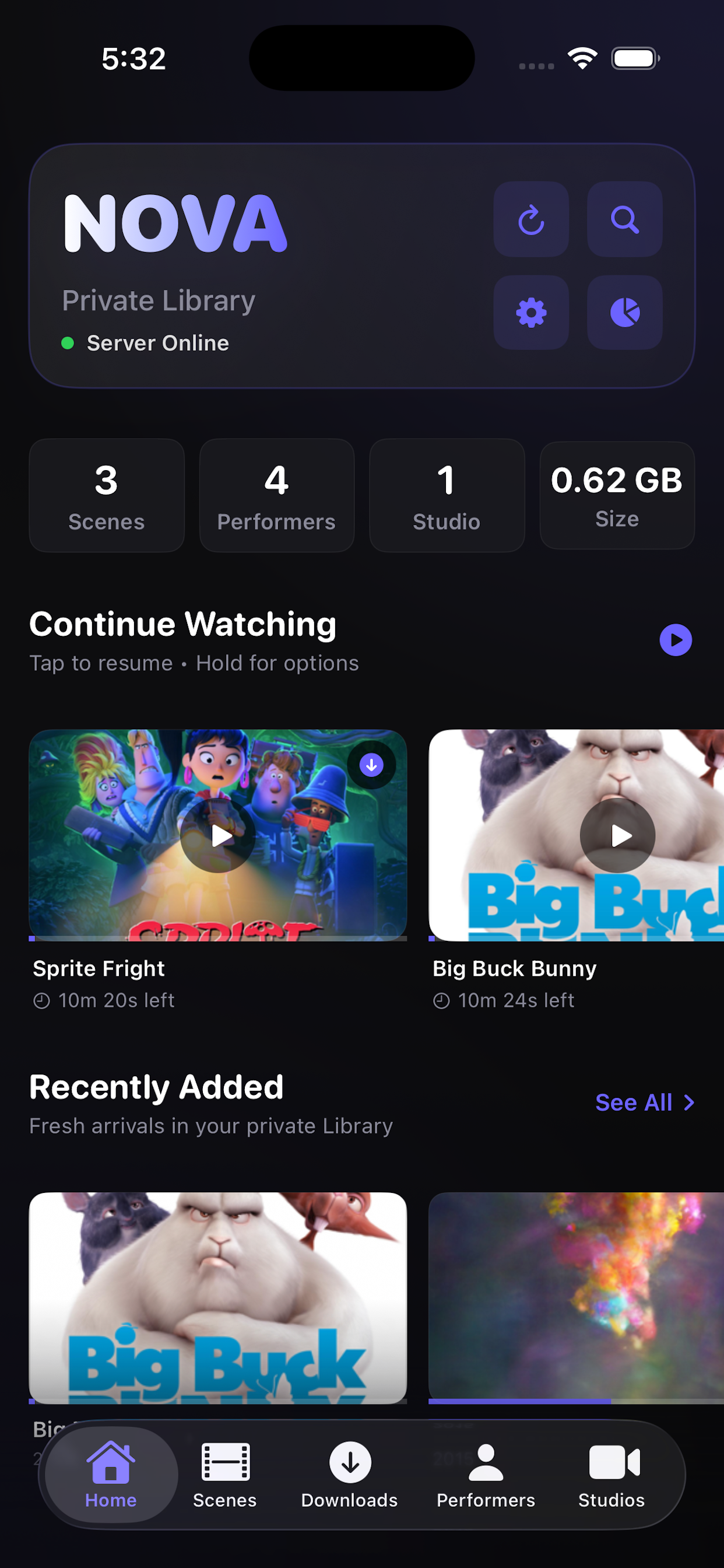
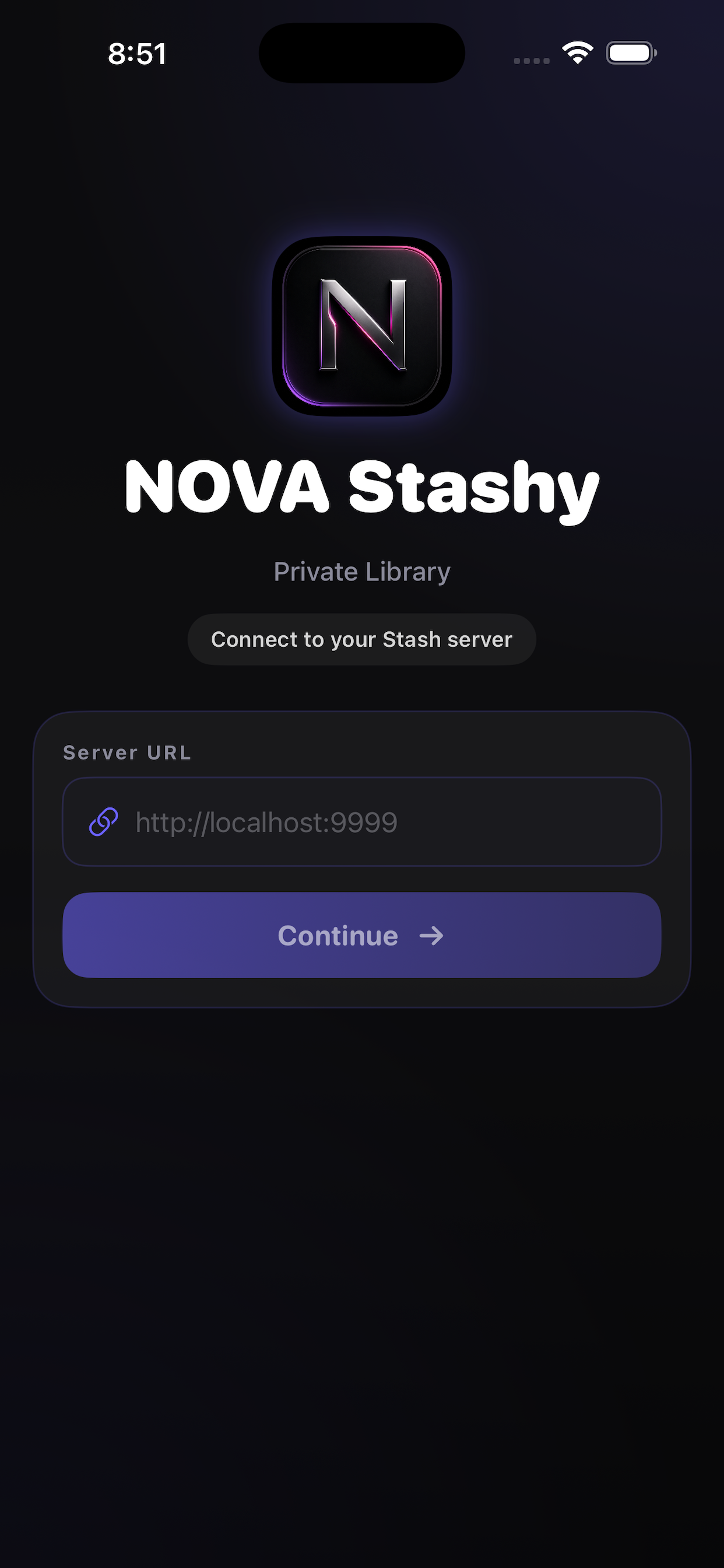
Designed for your own server
Nova Stashy connects directly to the server address you provide and displays your library on-device.
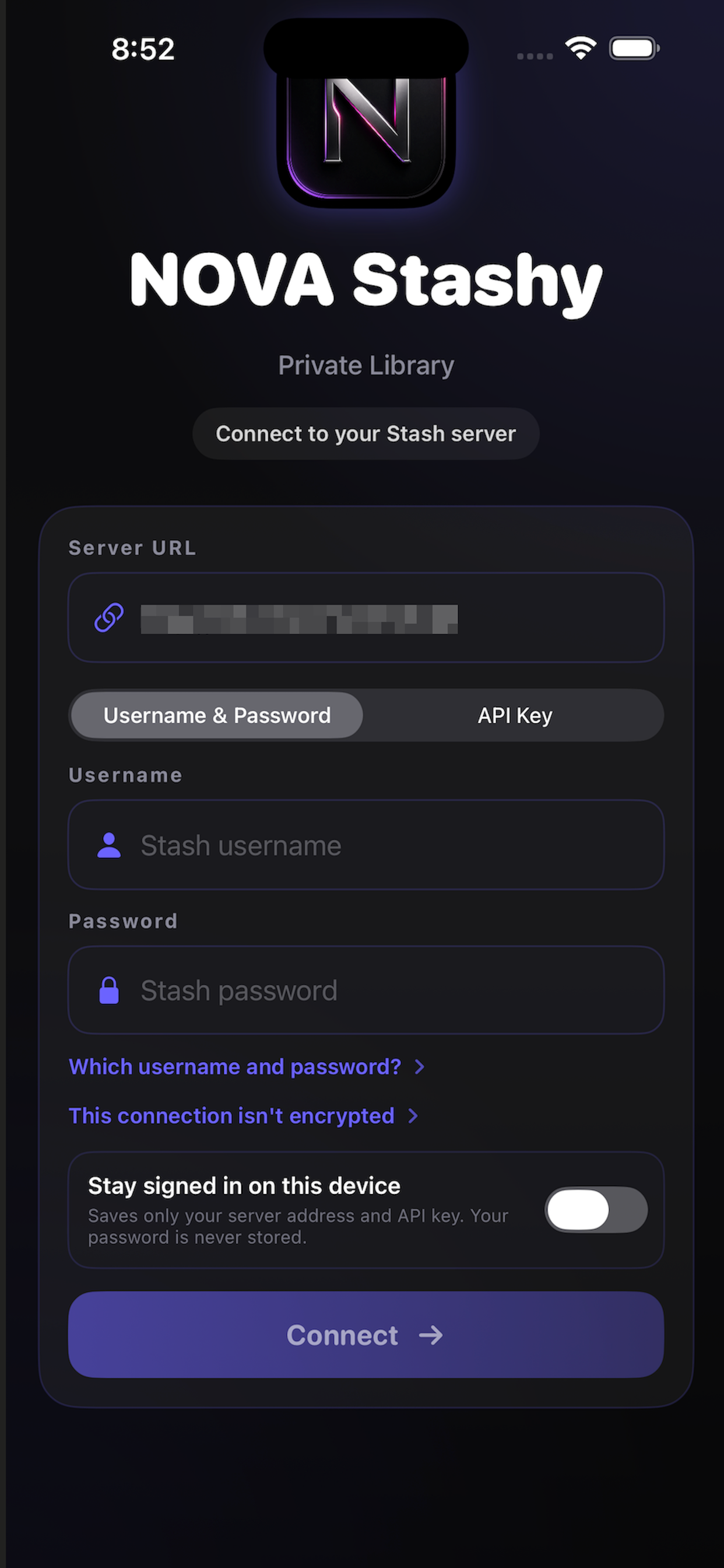
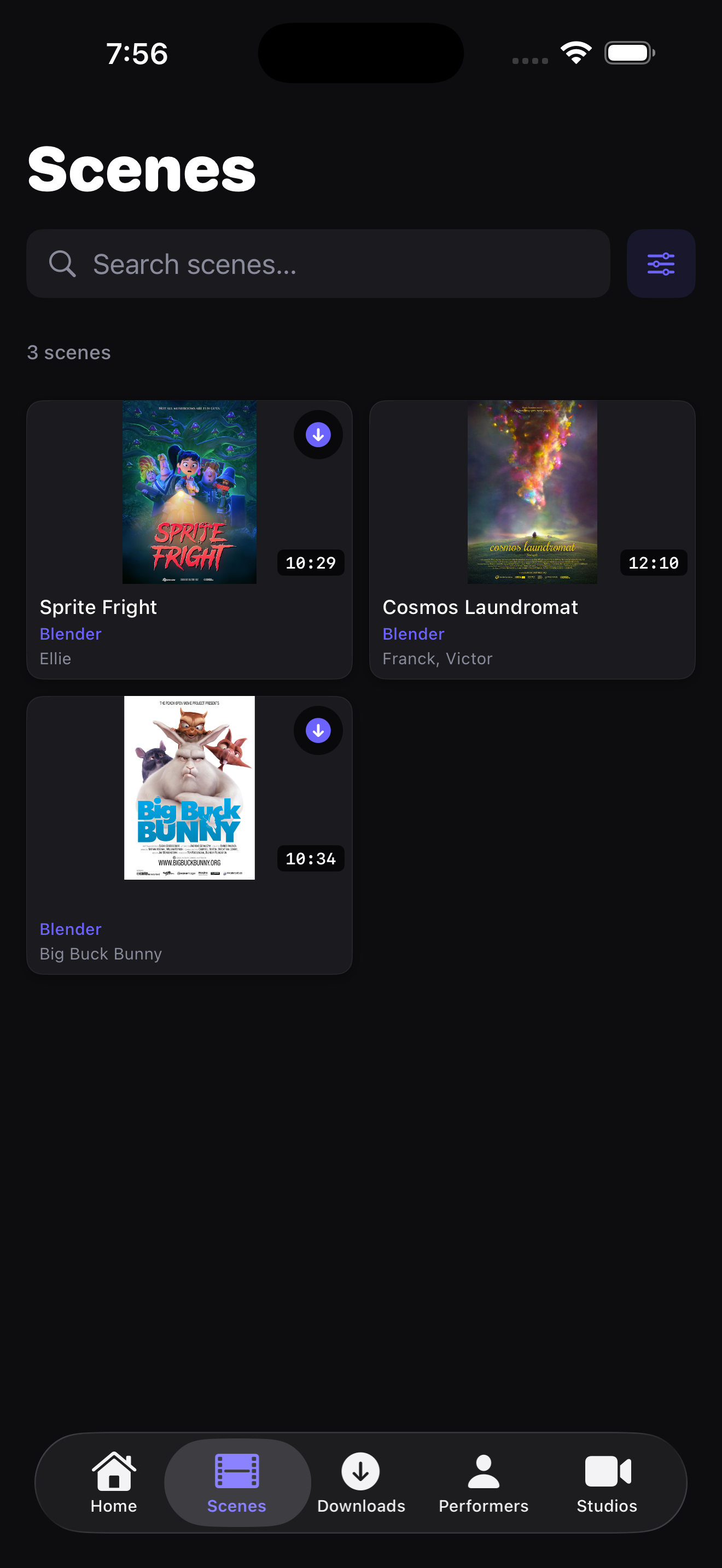
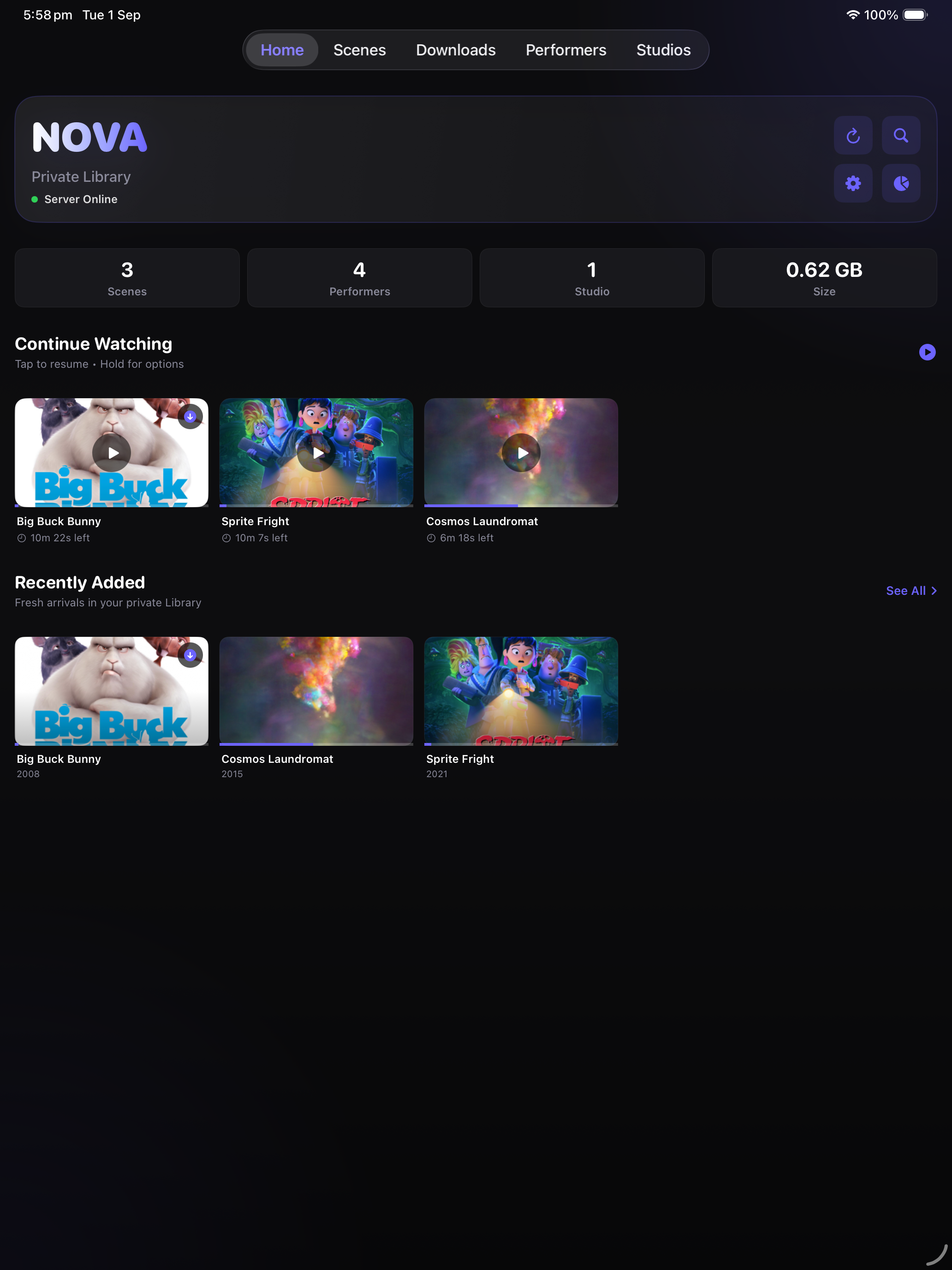
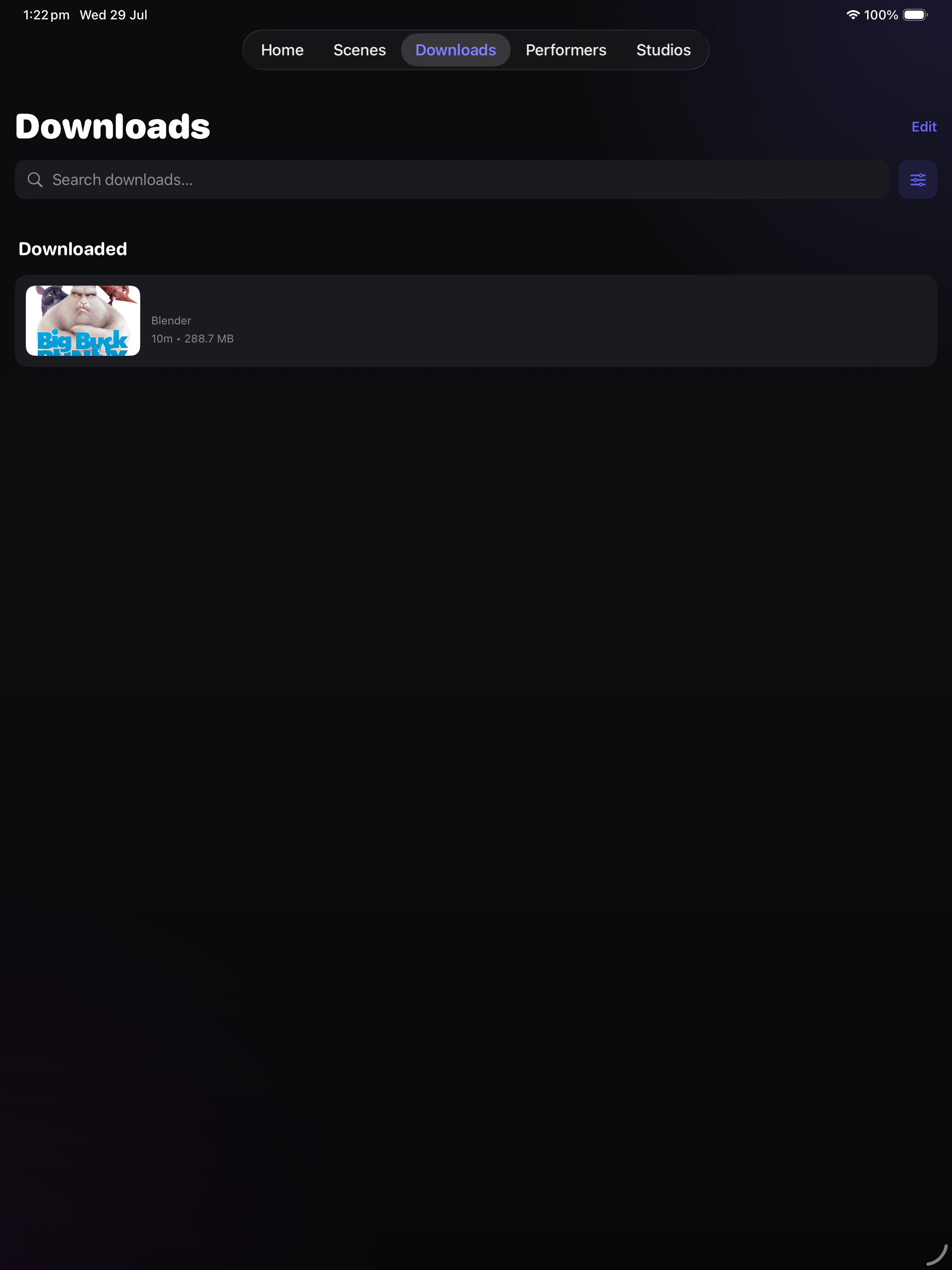
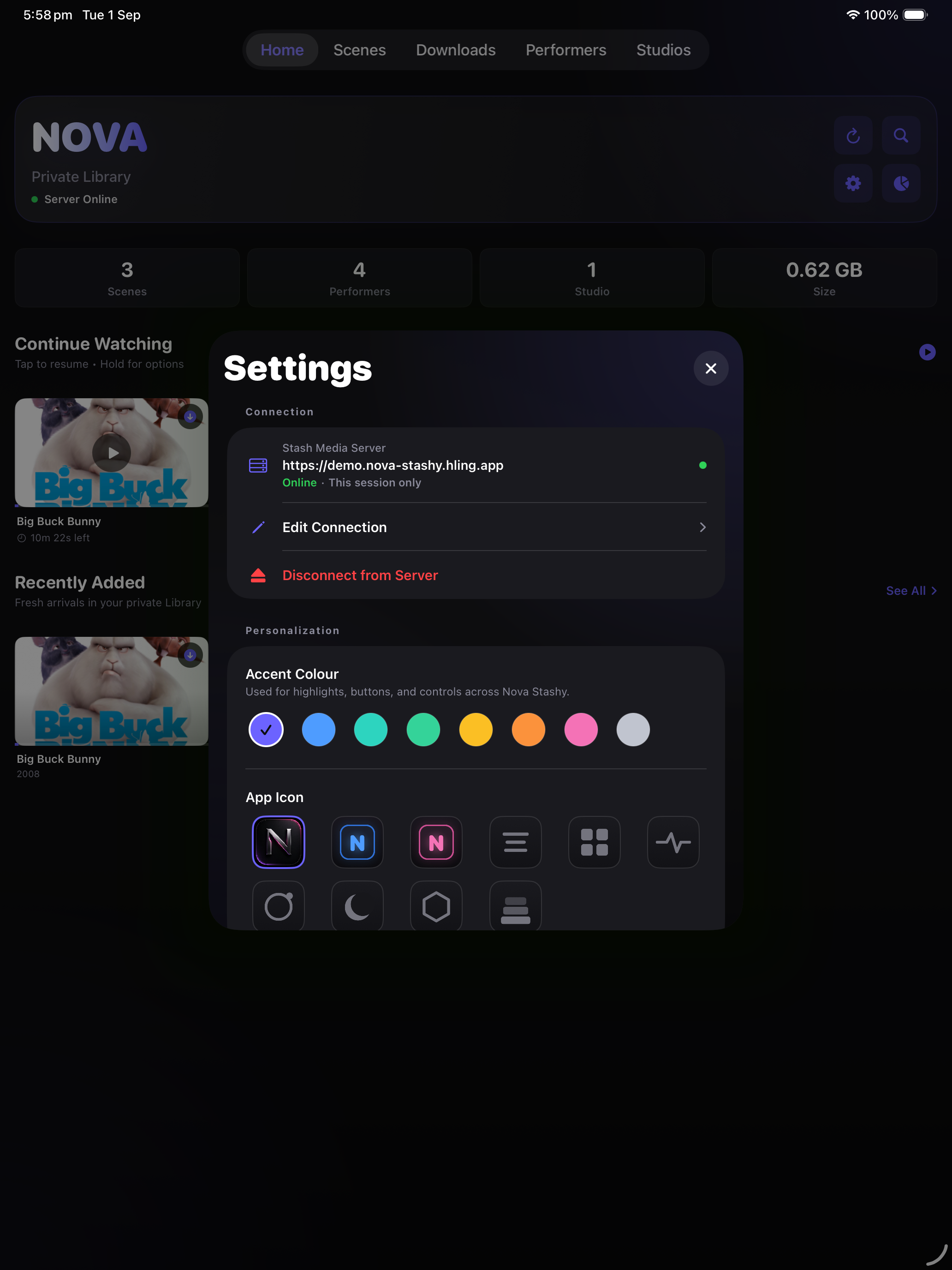
Great on iPad
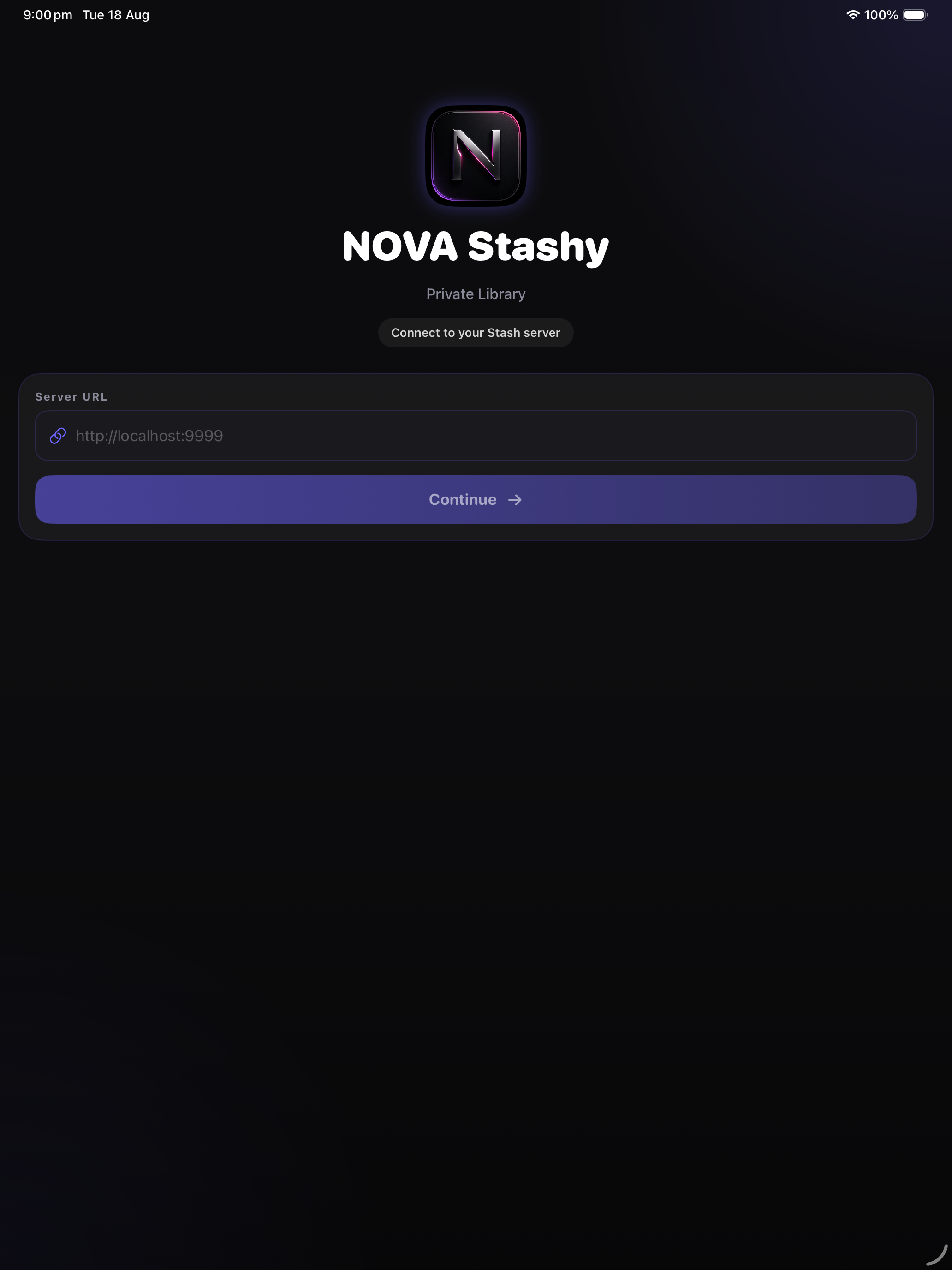
The full library, tuned for the bigger screen — with a top tab bar and multi-column layouts.
What it does
A focused mobile client for browsing and playing media from an existing Stash server.
Direct connection
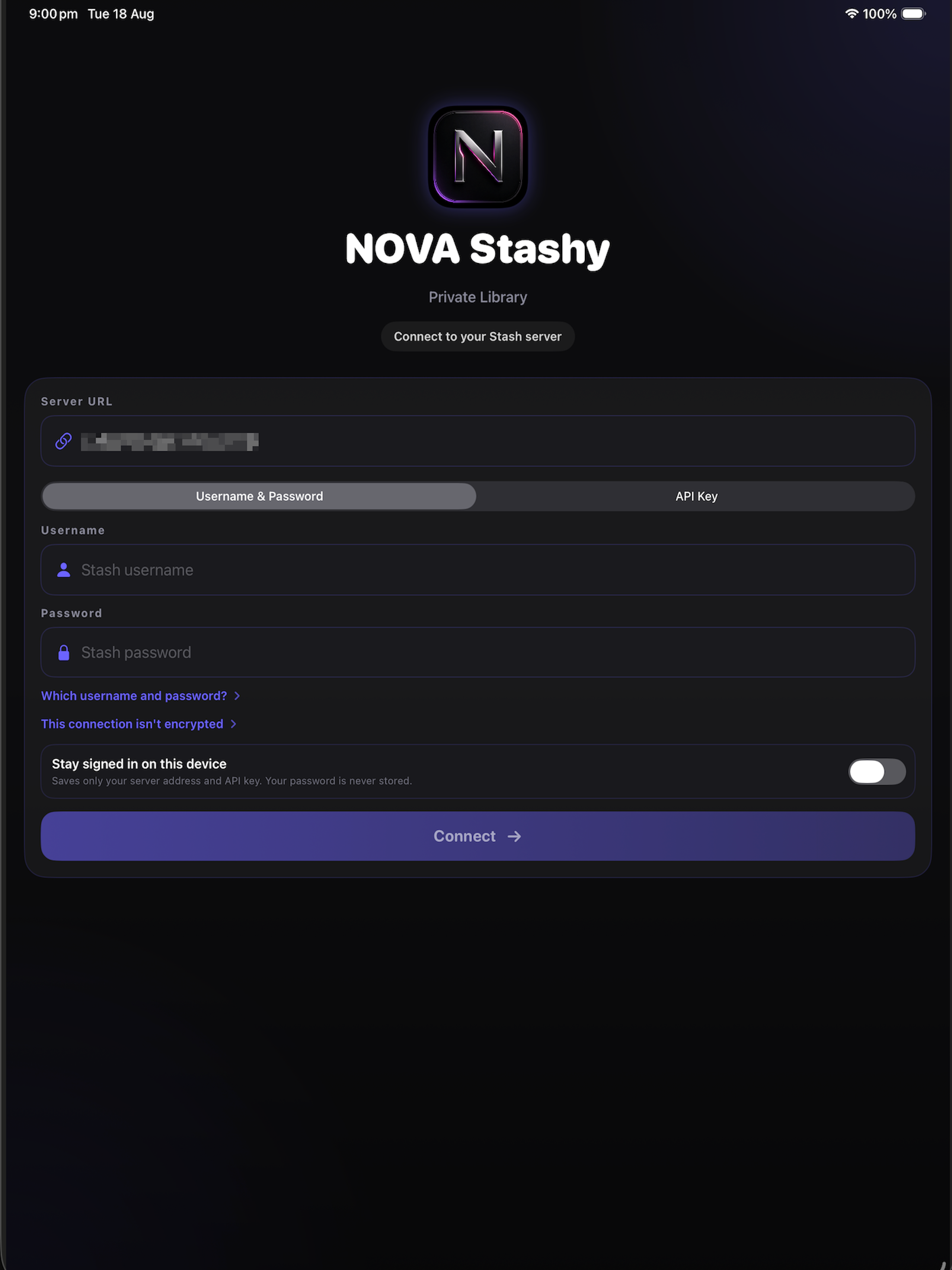
Connect to a self-hosted Stash server with an optional API key. No separate Nova Stashy account is required.
Library browsing
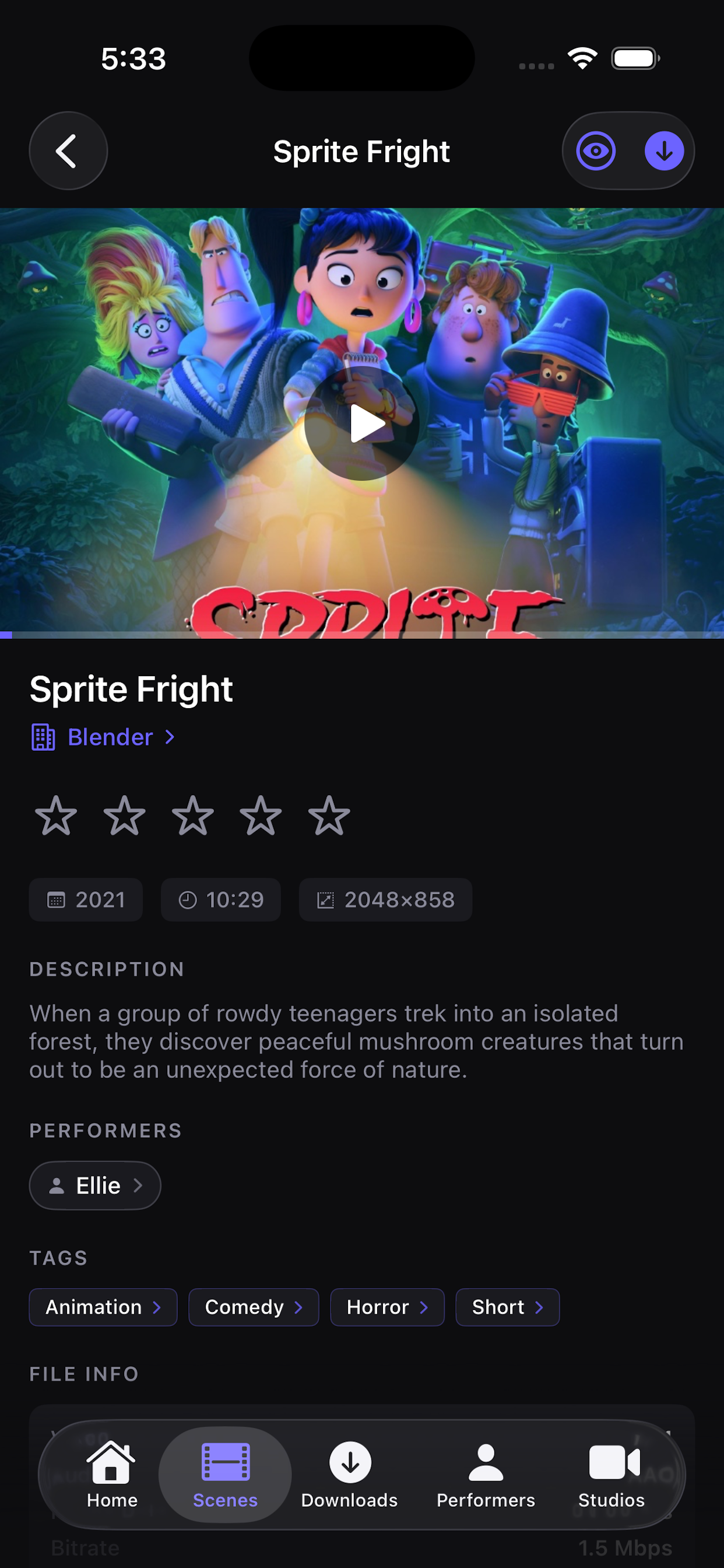
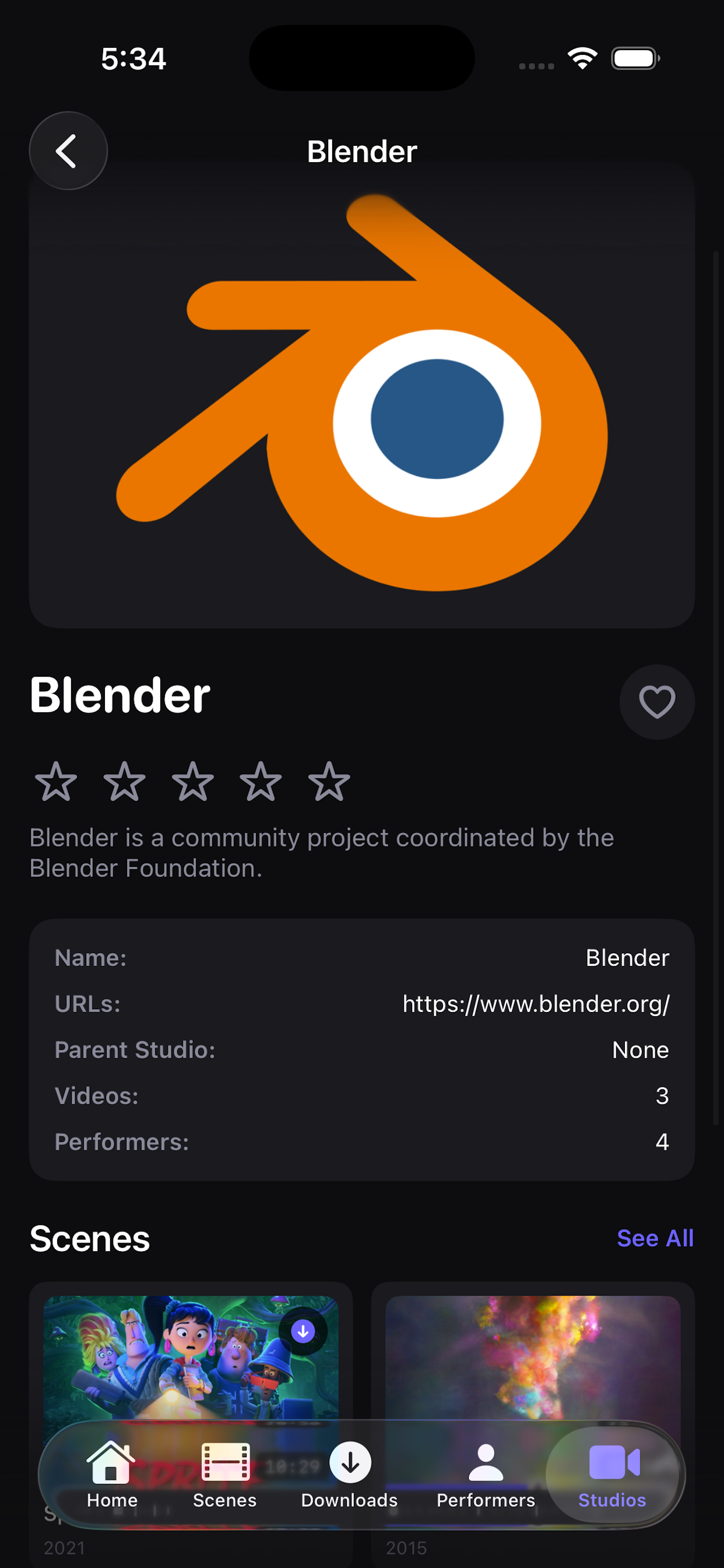
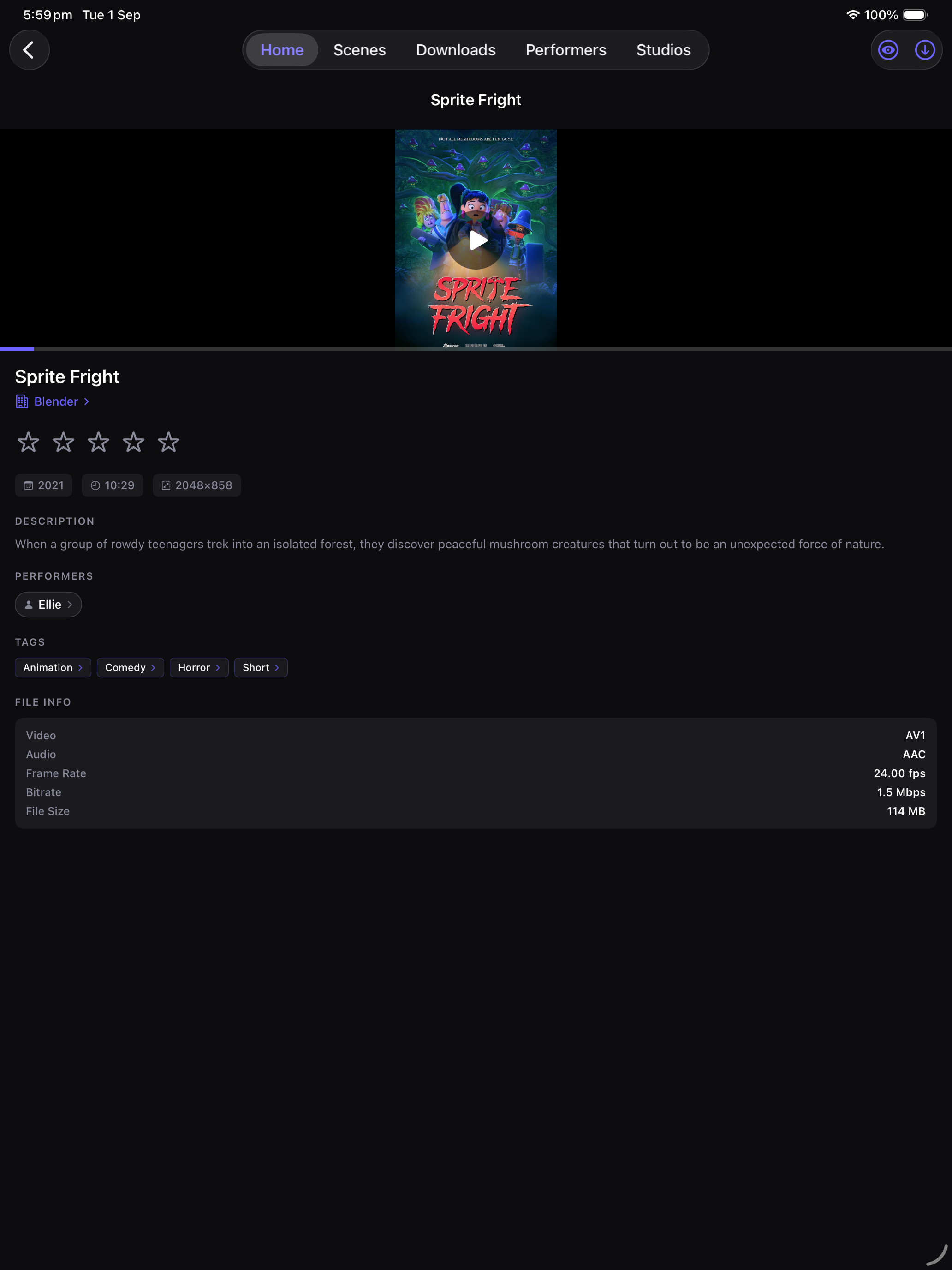
Browse scenes, performers, studios, tags, and recently added content using native iOS navigation. Tap a tag to see everything else carrying it, and pull to refresh on any page.
Global library search
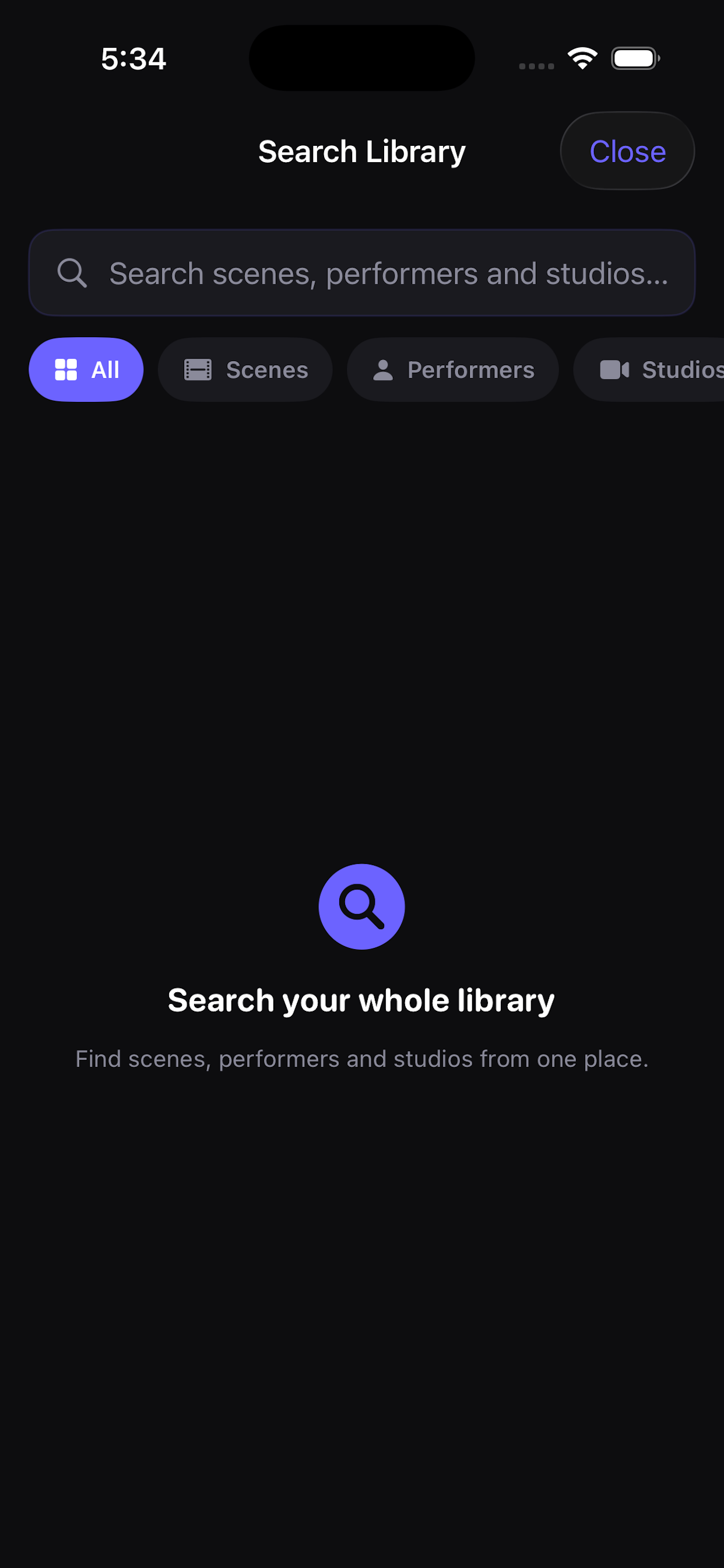
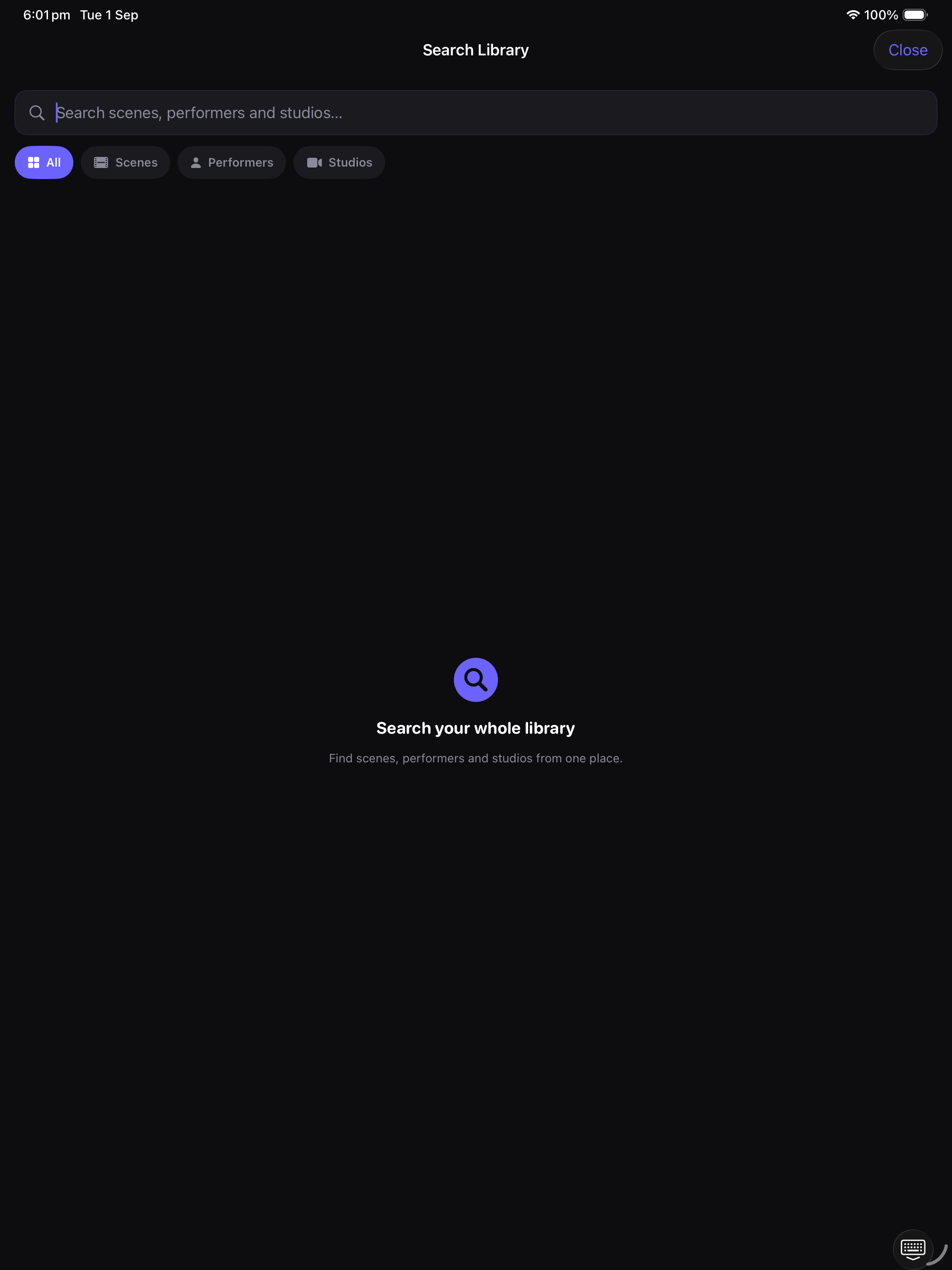
Search scenes, performers, and studios together from Home, then narrow by type — alongside the search, sort, and filter tools in every library tab. Every filtered list shows what is filtering it, and one tap clears it.
Offline downloads
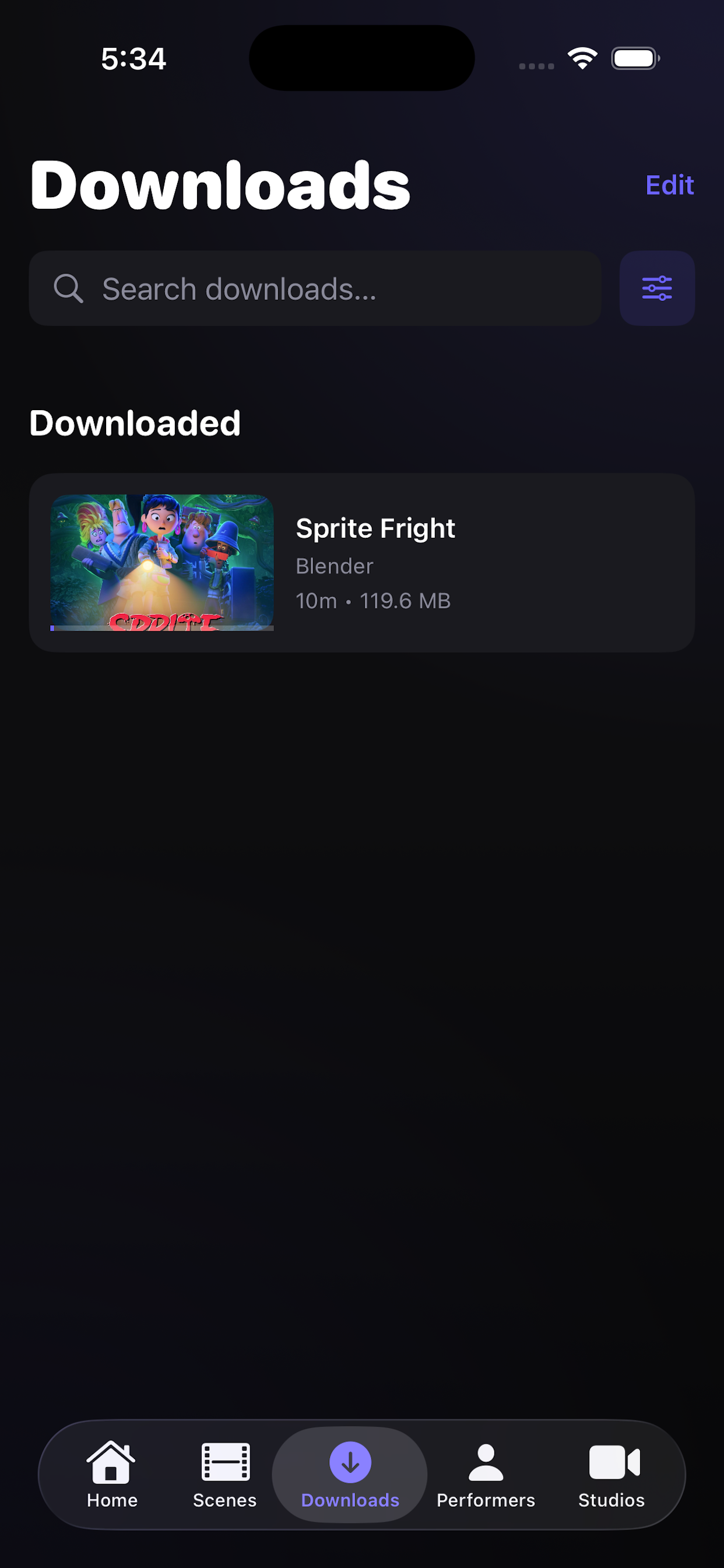
Download up to ten scenes at once from the Scenes tab and keep watching when your server is unavailable.
Works without your server
Browse and search your saved scenes, performers and studios with no server at all, artwork and details included. Nova Stashy notices on its own when your server goes away, and again when it comes back.
Downloads that stay tidy
Search and sort your downloads, and retry a failed transfer from its card — or retry them all at once.
Nova’s own player
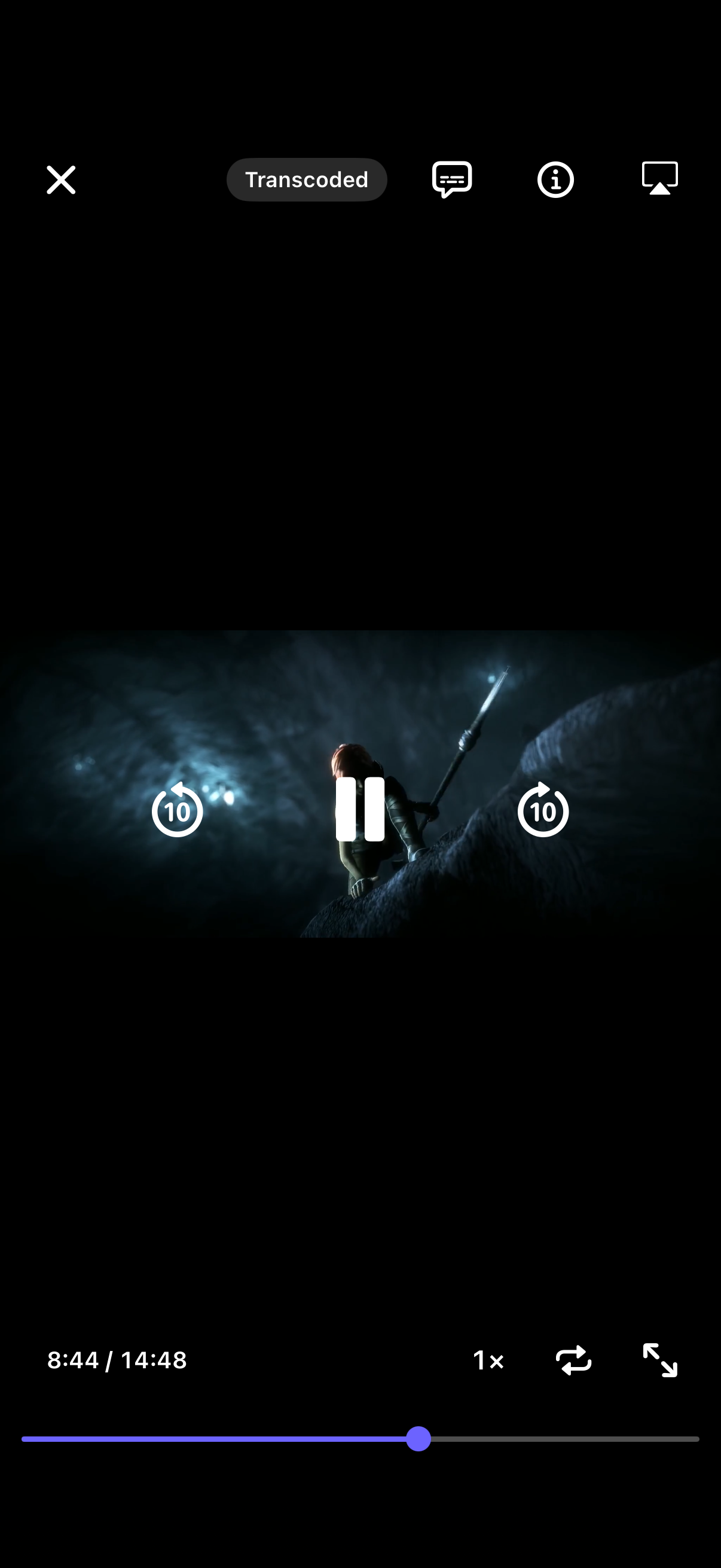
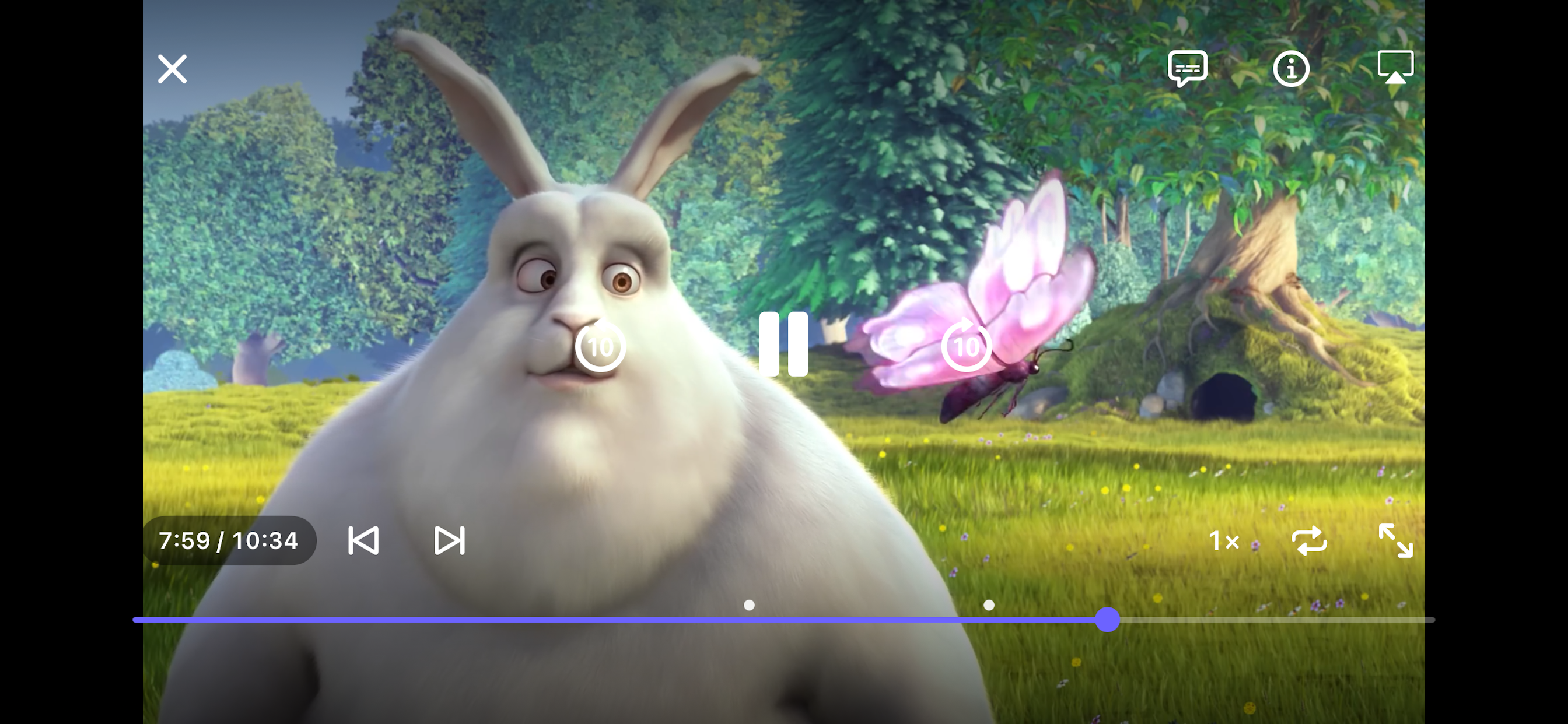
Nova Stashy’s own player, built on Apple’s playback engine: markers on the scrubber, preview pictures as you scrub, speed, loop, subtitles and Picture in Picture. Playback prefers a local download when one exists, and plays the original file directly when your device can decode it.
Subtitles and captions
Subtitle files on your server appear in the player, with your chosen language remembered. They show in Picture in Picture and over AirPlay, follow your Subtitles & Captioning style from Settings, and are saved with a download for watching offline.
Progress sync
Resume where you left off — even offline. Watch progress is saved locally and synced back to your Stash server when it is reachable again, and re-downloading a scene keeps your place.
Storage controls
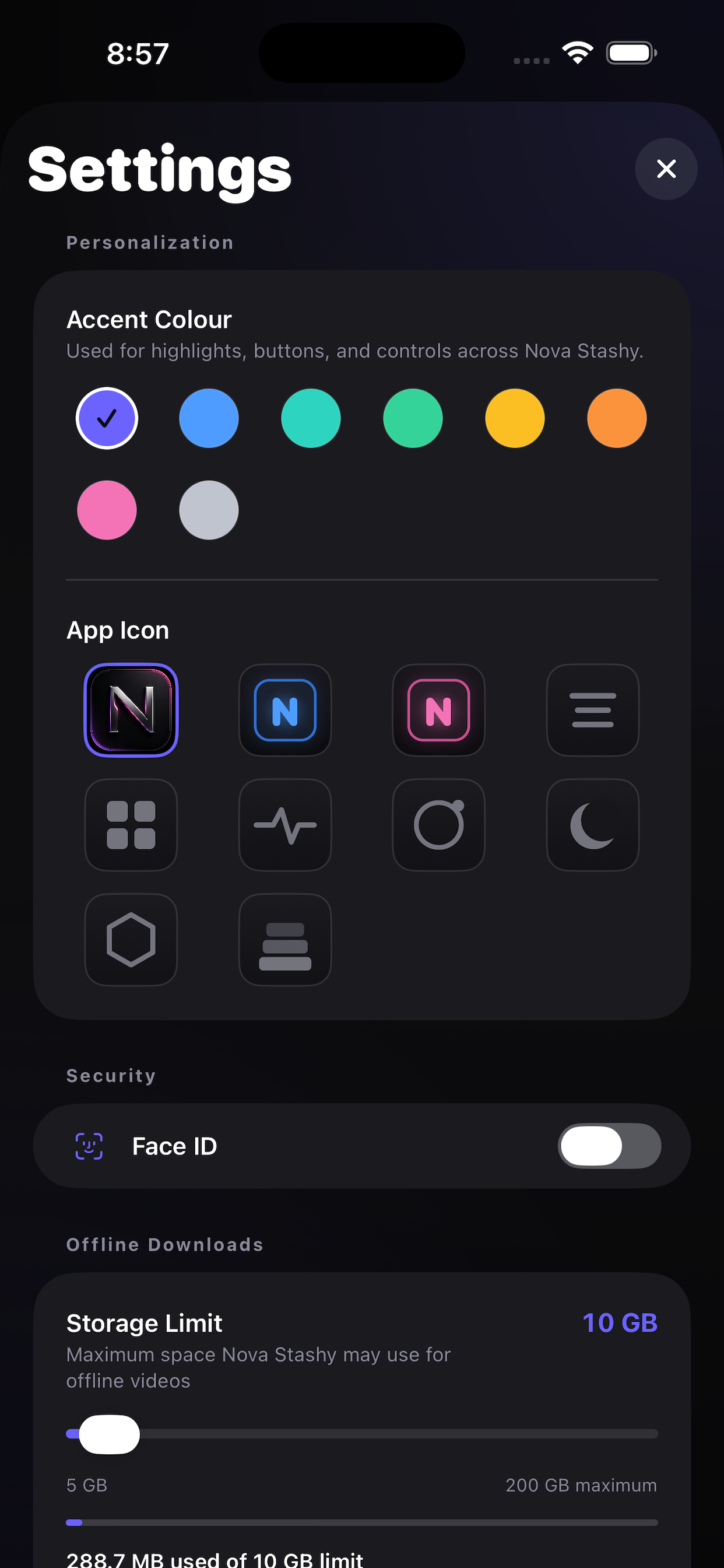
Set an offline storage limit, watch live usage and remaining capacity, manage downloads with swipe or multi-select, and clear all saved media anytime.
Private by design
Credentials are stored in Apple Keychain and downloads stay on your device. The app does not include analytics, advertising, or tracking SDKs.
Roadmap
Features planned for future releases as Nova Stashy continues to grow.
Apple TV support
Bring the Nova Stashy browsing and playback experience to tvOS for viewing on the big screen.
Requirements
Nova Stashy is a client app. It does not provide, host, or distribute any media.
- A running self-hosted Stash server
- Stash v0.26 or later recommended
- iPhone or iPad running iOS 17 or later
- Network access from your device to your server
- Offline downloads support compatible MP4, M4V, and MOV scenes; HLS-only scenes cannot be downloaded
Get Nova Stashy
Available now on the App Store for iPhone and iPad. Point it at your own Stash server and start browsing.